
AEShot
The screenshot tool that lives in your menu bar. Capture anything, mark it up, copy the text in it, or record it as a video.
One-time purchase · No subscription · No account · macOS 14 or later
Everything a screenshot needs
Every capture mode, a full editor and screen recording, a shortcut away.
Area, window and screen
Drag a frame on a frozen screen with a magnifier and exact sizes, or click any window to capture it with transparent corners and its shadow.
Scrolling capture
Scroll by hand, or let Auto-Scroll do it. Long pages, chats and documents become one tall image, stitched as you go.
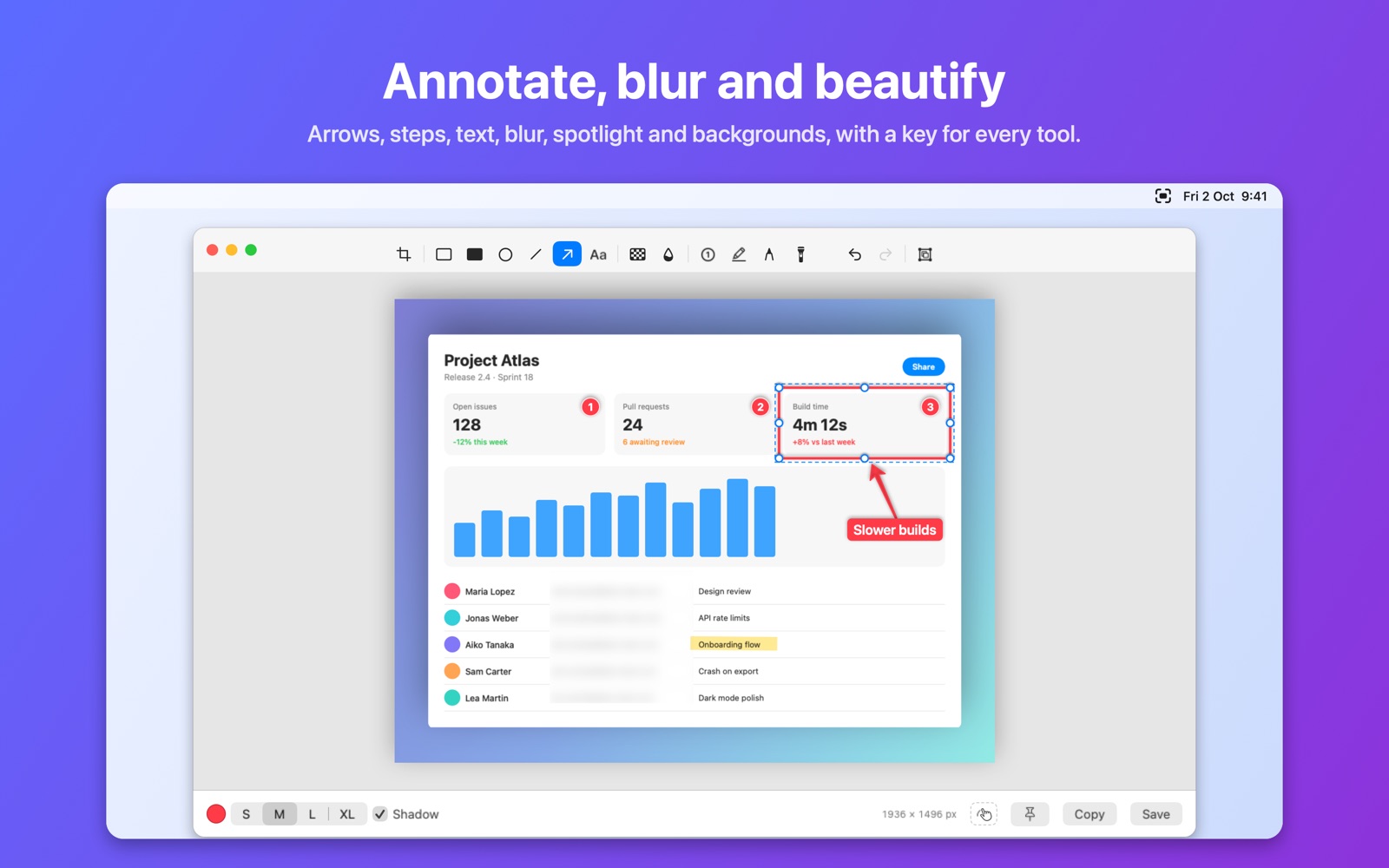
Annotate
Arrows, shapes, text, numbered steps, highlighter, blur, pixelate and spotlight, plus backgrounds that make any screenshot presentable.
Copy text (OCR)
Select text anywhere on screen, even in images and videos, and it lands on your clipboard. Recognized on your Mac, in many languages.
Screen recording
Record an area, a window or the whole screen as video or GIF, with Mac sound, microphone and click highlights, up to your display’s refresh rate.
Quick Access
After each capture a thumbnail waits in the corner: copy, save, annotate, pin, or drag it straight into Mail, Messages or Finder.
Pin to screen
Keep a screenshot floating above your windows as a reference while you work, at any size and opacity.
A shortcut for everything
Every mode has its own shortcut, including Capture & Copy variants that go straight to the clipboard with no popup at all.
See it in action
Built to feel like part of macOS.


Private by design
No account, no tracking, no uploads. Everything AEShot captures, recognizes and records stays on your Mac. Available in English, German, French, Spanish, Italian, Portuguese, Japanese, Korean and Chinese.